 Download for Mac
Rich notes
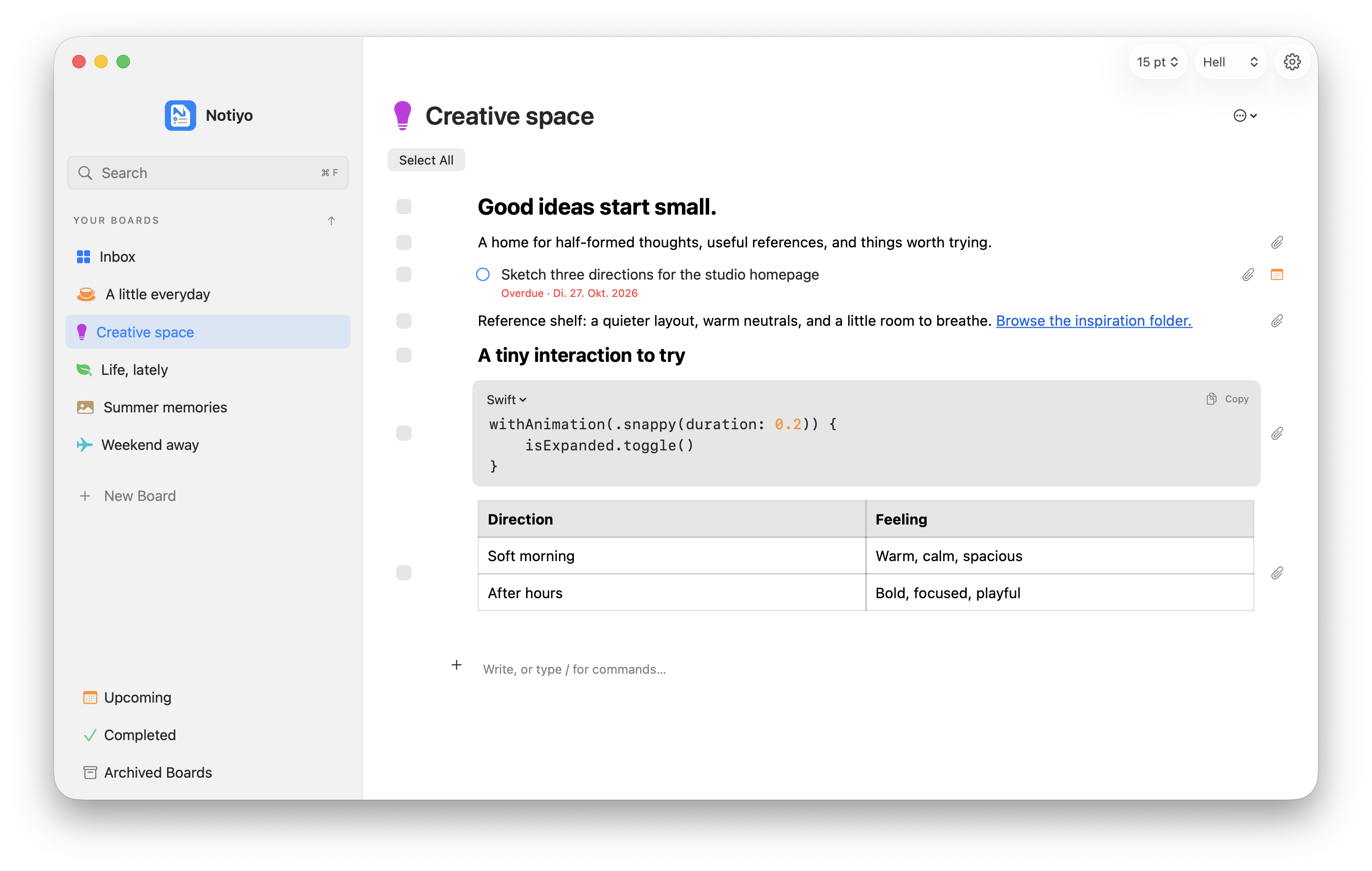
Format your thoughts with lists, tables, code, and file attachments.
Notes, todos, and everyday ideas. Together in a native Mac app.


A thought doesn’t need a whole document. A todo doesn’t need a whole project. Give them the same space.
A shortcut. A thought. Back to what you were doing. Capture an idea without leaving your flow.
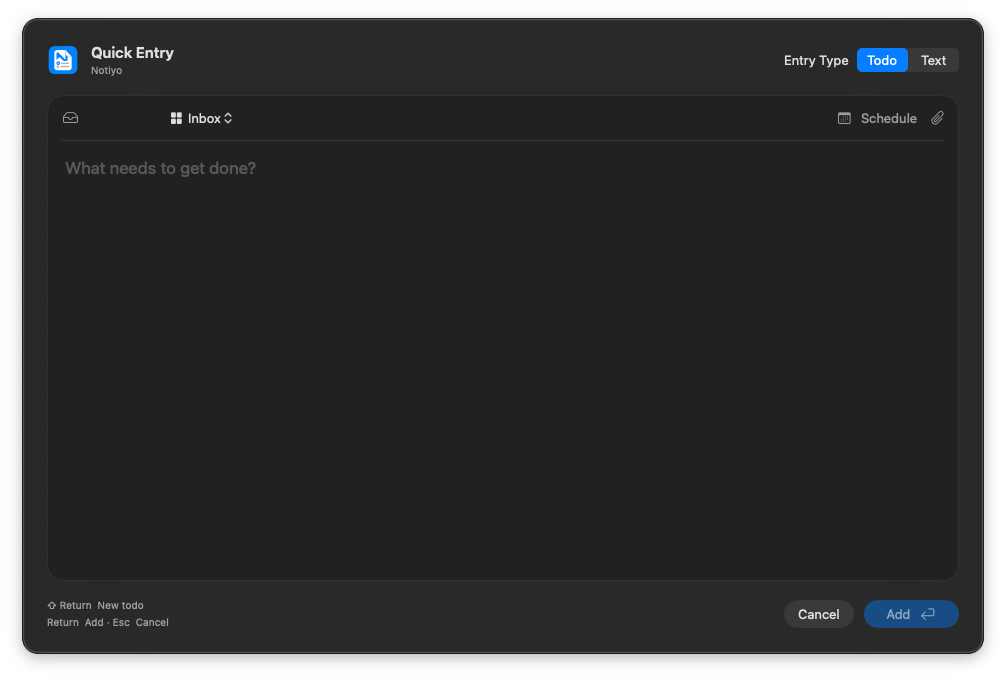
One global shortcut. Wherever you’re working.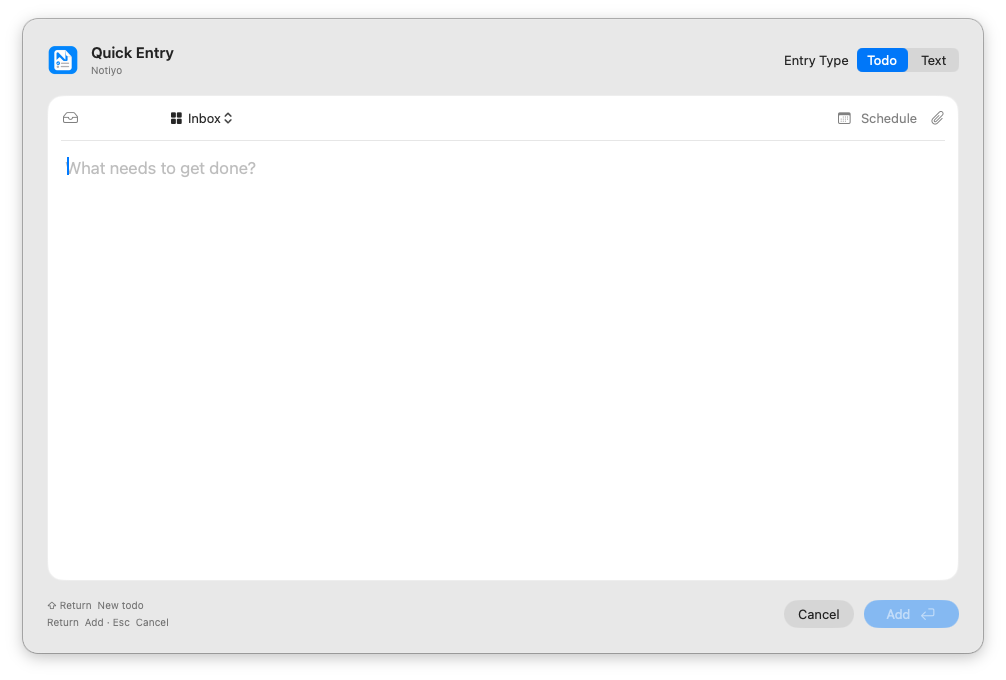
The same simple Notiyo widgets for notes and todos, in four convenient sizes.
A set of simple, powerful tools to think, plan, and get things done.
Format your thoughts with lists, tables, code, and file attachments.
Mix notes and todos. Add icons and colors, reorder, or archive.
Set due dates and reminders. See what’s next or revisit completed tasks.
One global shortcut. Capture a note or todo without leaving your flow.
Four widget sizes and a floating Desktop Board keep your day in view.
Search all boards, filter completed tasks, and navigate with keyboard shortcuts.
Light, dark, or system. Adjust font size and board spacing to suit you.
On your Mac, with offline access, local backups, and export. No account needed.
Your thoughts have a home here.
Download Notiyo 1.1 for Mac.
For Apple silicon and Intel Macs running macOS 15 or later.
Built for macOS 15 and later.
Version 1.1 · Build 40 · 12 MB Download for MacA space in your pocket.
On the horizonMore room to think.
On the horizonOpen the DMG, drag Notiyo into Applications, then eject the disk image and launch Notiyo from Applications.
This development build is not notarized by Apple. If macOS blocks it, attempt to open it once, then go to System Settings → Privacy & Security → Open Anyway, if available. Read Apple’s instructions.
The practical things, before you settle in.